The Geeks Club
CategoriesBest listsCompaniesCompareBlogAdvertiseClaim a listingGet listed
Vendor dashboard
CategoriesBest listsCompaniesCompare Blog
Search
For vendors
AdvertiseTop spots, featured rows, home sponsor Get listedAdd a product we don't cover yet Claim a listingFree: verify the domain, then correct your page Vendor dashboardNumbers, orders and placements
Home/AI Computer Use Agents/Contop

Contop

Contop is ranked #3 of 20 in AI Computer Use Agents on The Geeks Club. It runs on Android, iOS, Linux, macOS, Windows.

Compared on AI Computer Use Agents

Desktop app control
Yes
Supported platforms
Windows, macOS, Linux, iOS, Android
Browser control
Yes
Screen understanding
Yes
Deployment
local
Human approval controls
Yes
API access
Yes

Best Contop alternatives

See all 12
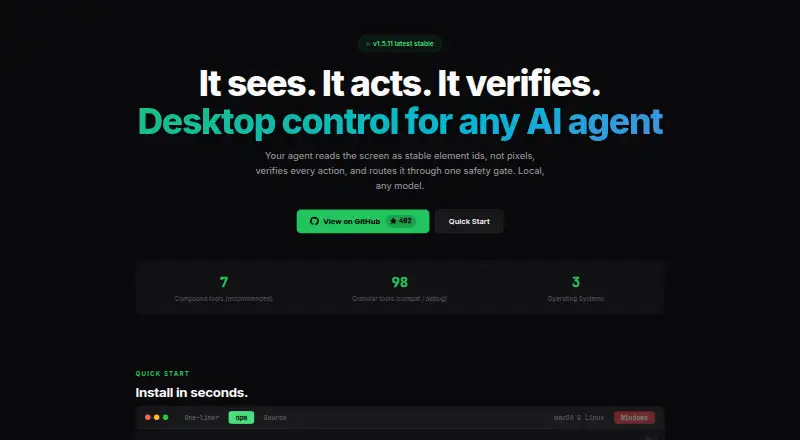
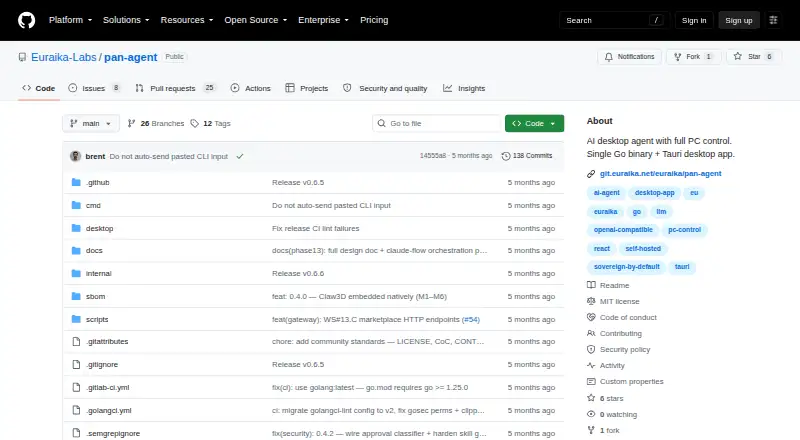
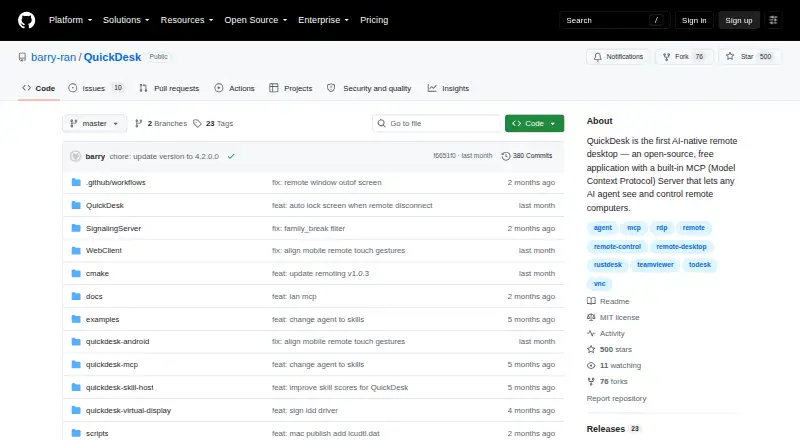
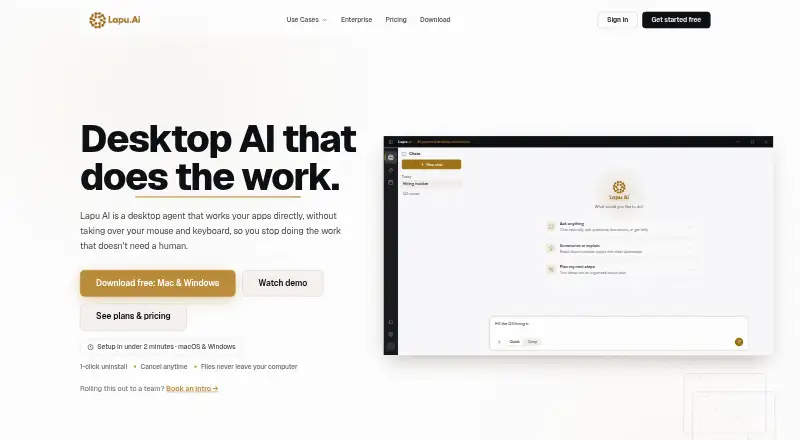
8.5 Clawd Cursor Free plan 8.5 Pan-Agent 7.8 QuickDesk Free plan SS7.6 Simular Sai $50/mo 7.6 Lapu AI Free plan 7.4 Screenbox
contop.app
The Contop homepage
Contop
Product
Contop is a remote compute agent that lets users control a desktop from a phone with real-time screen streaming, voice or text input, and autonomous task execution.
Desktop actions
Its agent can run terminal commands, interact with the screen and Chrome, and read, edit, or search files.
AI providers
The site lists Google Gemini, OpenAI, Anthropic, and OpenRouter, with API keys or existing subscriptions and per-role model selection.
Customization
Users can create reusable skills as prompt instructions, YAML workflows, Python tools, or combinations of these.
Connections
Contop describes LAN, Tailscale, and Cloudflare Tunnel connection paths, with automatic path selection and fallback.
Encryption
The site says phone-to-desktop traffic is end-to-end encrypted with DTLS and that data does not pass through third-party servers.
Execution safeguards
The site says risky commands can be sandboxed, forbidden commands blocked, and destructive actions held for user approval.
Credential handling
The site says API keys and subscription preferences are configured on desktop, transferred by QR pairing, and stored encrypted on the phone.
Desktop requirements
The Windows, macOS, and Linux downloads require Python 3.12 or later.
Mobile availability
The download section lists Android via Google Play and says iOS is coming soon.
Support use case
The site presents remote support as a use case and describes it as support without asking users to follow complex steps.
License
The site identifies Contop as open source under the MIT license.
Product
Contop describes itself as an open-source remote compute agent that lets users control a desktop from a phone with real-time screen streaming, voice or text input, and autonomous task execution.
Desktop actions
The agent can run terminal commands, control the screen, automate Chrome, manage files and windows, and launch applications.
Visit site Alternatives

Where it ranks on The Geeks Club

  • Best AI Computer Use Agents in 2026#3 of 20

Is Contop yours?

Claim it for free: prove the domain, then correct facts, plans and screenshots. An editor reviews every change.

Claim it free Promote Contop

Sources

  • contop.app· checked 2 Oct 2026
  • github.com/slopedrop/contop· checked 3 Oct 2026
The Geeks Club

Software for every job, picked for how quickly you can learn it.

2,526 lists · 55,702 platforms · facts from the makers' own pages

Design, Video & Audio

  • Digital Asset Management Software
  • Photo Editing Software
  • Graphic Design Software
  • Video Editing Software
  • 3D modeling software

Developer Tools

  • Accessibility Testing Software
  • AI Coding Assistants
  • Package Managers
  • Log Management Software
  • AI Agent Platforms

AI Tools

  • AI Writing Tools
  • AI video generators
  • Text-to-Speech Software
  • AI Music Generators
  • AI image generators

Business Operations

  • Digital Signage Software
  • Event Management Software
  • No-code app builders
  • Case Management Software
  • Workflow automation tools

For vendors

  • Advertise
  • Get listed
  • Claim a listing
  • Vendor dashboard
  • All lists
BlogHow we rankAboutContactPrivacy Policy
© 2026 The Geeks Club · a Yorker Media site