The Geeks Club
CategoriesBest listsCompaniesCompareBlogAdvertiseClaim a listingGet listed
Vendor dashboard
CategoriesBest listsCompaniesCompare Blog
Search
For vendors
AdvertiseTop spots, featured rows, home sponsor Get listedAdd a product we don't cover yet Claim a listingFree: verify the domain, then correct your page Vendor dashboardNumbers, orders and placements
Home/Lockdown Browser Software/OpenLock

OpenLock

OpenLock is ranked #10 of 22 in lockdown browser software on The Geeks Club. It runs on Linux.

Compared on lockdown browser software

Free plan
Yes
Supported platforms
Linux
Blocks app switching
Yes
Blocks copy and printing
Yes
Blocks screen capture
Yes

Best OpenLock alternatives

See all 12
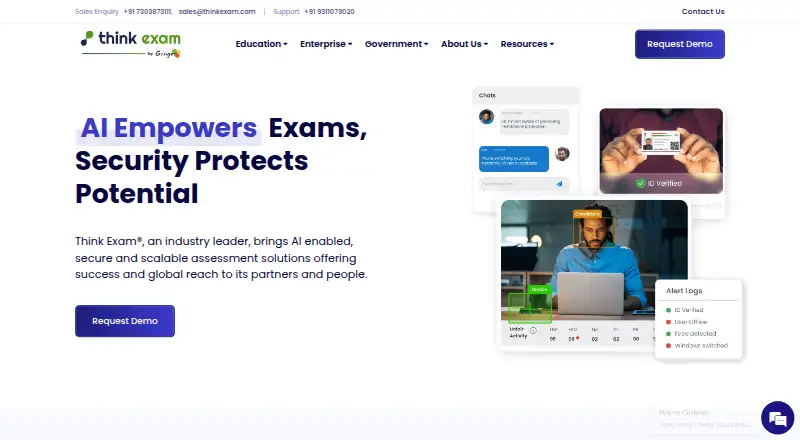
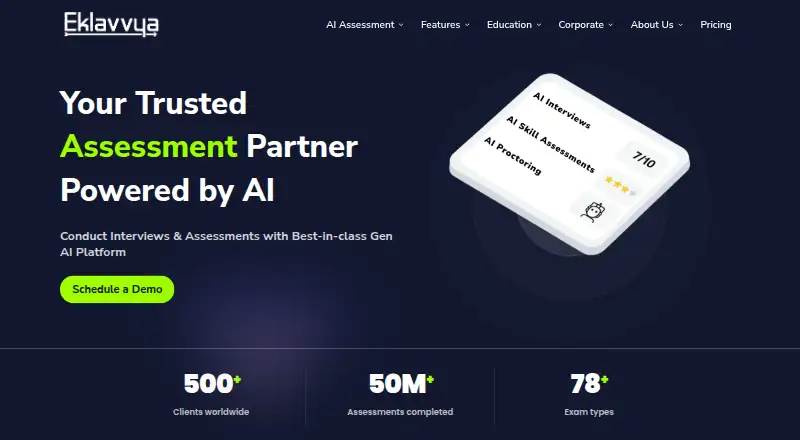
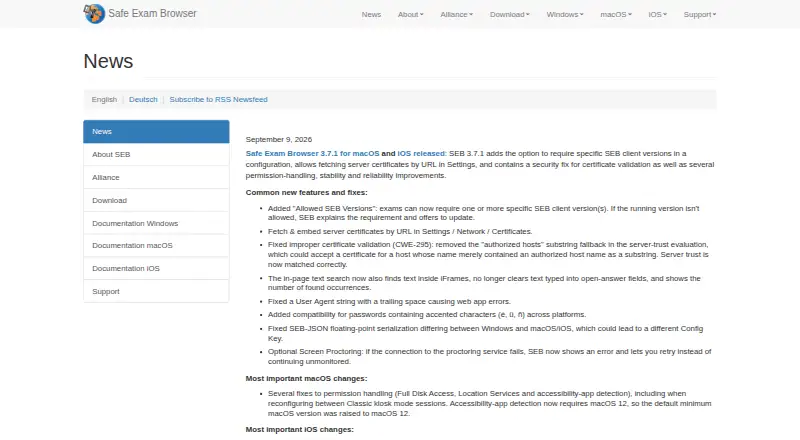
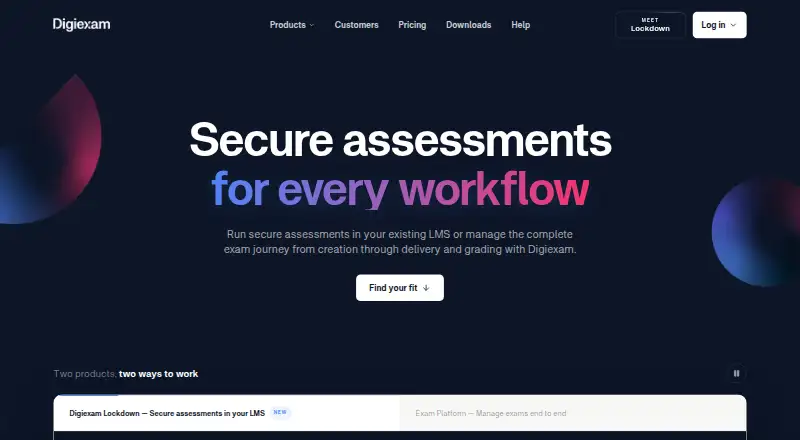
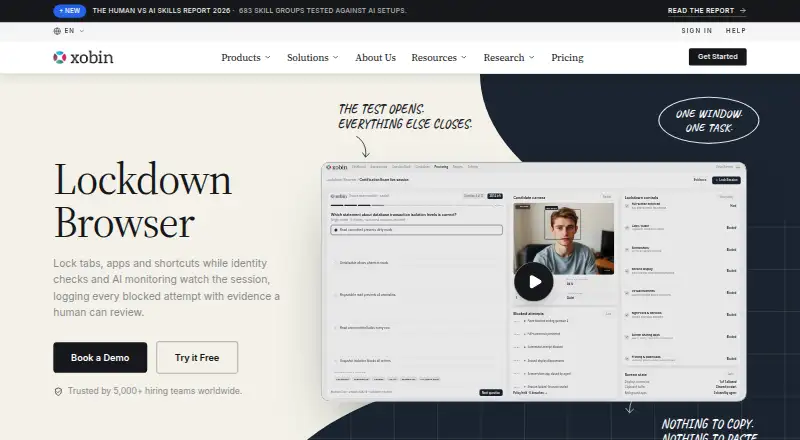
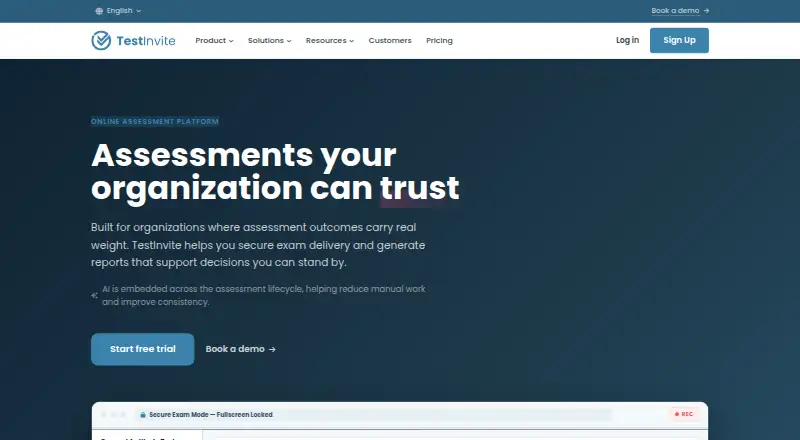
7.8 ThinkExam Free plan 7.5 Eklavvya Free plan 7.0 Safe Exam Browser Free plan 6.9 Digiexam Free trial $124.67/mo 6.9 XoLock Free trial 6.8 TestInvite Free trial $75/mo
github.com
The OpenLock homepage
OpenLock
Purpose
OpenLock is an open-source lockdown exam browser for Linux intended to bring Safe Exam Browser style exam lockdown to Linux distributions.
Exam status
The project says it is not exam-ready because its SEB key derivation is not byte-exact and has not been validated against a live LMS.
SEB protocol
It parses .seb configuration files and attaches Browser Exam Key and Config Key headers to requests, but the project says these keys currently will not match an LMS handshake.
Kiosk mode
Its kiosk mode uses fullscreen takeover via X11 override-redirect or a Wayland/Cage compositor.
Process protection
A process guard monitors and kills prohibited processes such as screen recorders, virtual machines and remote desktop software.
Input restrictions
Input lockdown blocks shortcuts including Alt+Tab, Alt+F4, Ctrl+C and PrintScreen, as well as clipboard use.
Browser restrictions
Browser hardening disables DevTools, View Source, downloads, right-click, console and drag-and-drop.
Integrity checks
The project lists VM, debugger and hypervisor detection, plus optional self-hash verification, as security measures.
Navigation controls
OpenLock supports URL whitelist and blacklist filtering and navigation policy enforcement.
LMS integrations
The project lists adapters for Moodle, Canvas and Blackboard, but says it has not been tested against live instances of those LMS platforms.
Data handling
The security model specifies an off-the-record browser profile with no persistent storage and permissions denied by default.
Linux requirements
The stated prerequisites include Ubuntu 22.04 or later, Fedora 38 or later, or Arch Linux, along with Qt6 and QtWebEngine.
Distribution packaging
AppImage, .deb, .rpm and Flatpak packaging are listed as planned rather than available releases.
License
The repository says the project follows the Mozilla Public License 2.0 and allows proprietary use if modifications to MPL-licensed files remain open.
Visit site Alternatives

Where it ranks on The Geeks Club

  • Best Lockdown Browser Software in 2026#10 of 22

Is OpenLock yours?

Claim it for free: prove the domain, then correct facts, plans and screenshots. An editor reviews every change.

Claim it free Promote OpenLock

Sources

  • github.com/oneKn8/openlock_browser· checked 30 Sept 2026
The Geeks Club

Software for every job, picked for how quickly you can learn it.

2,577 lists · 61,300 platforms · facts from the makers' own pages

Design, Video & Audio

  • Video Editing Software
  • Photo Editing Software
  • Digital Asset Management Software
  • Graphic Design Software
  • 3D modeling software

Developer Tools

  • Accessibility Testing Software
  • Log Management Software
  • AI Coding Assistants
  • Package Managers
  • AI Agent Platforms

AI Tools

  • AI Writing Tools
  • AI video generators
  • Text-to-Speech Software
  • AI Travel Planners
  • AI image generators

Business Operations

  • Digital Signage Software
  • Event Management Software
  • Case Management Software
  • No-code app builders
  • Workflow automation tools

For vendors

  • Advertise
  • Get listed
  • Claim a listing
  • Vendor dashboard
  • All lists
BlogHow we rankAboutContactPrivacy Policy
© 2026 The Geeks Club · a Yorker Media site