The Geeks Club
CategoriesBest listsCompaniesCompareBlogAdvertiseClaim a listingGet listed
Vendor dashboard
CategoriesBest listsCompaniesCompare Blog
Search
For vendors
AdvertiseTop spots, featured rows, home sponsor Get listedAdd a product we don't cover yet Claim a listingFree: verify the domain, then correct your page Vendor dashboardNumbers, orders and placements
Home/DVD Authoring Software/PyBurn Studio

PyBurn Studio

PyBurn Studio is ranked #22 of 24 in DVD authoring software on The Geeks Club. It runs on Linux, macOS, Windows.
Compared on DVD authoring software

Platform support
cross_platform
Blu-ray authoring
Yes

Best PyBurn Studio alternatives

See all 12
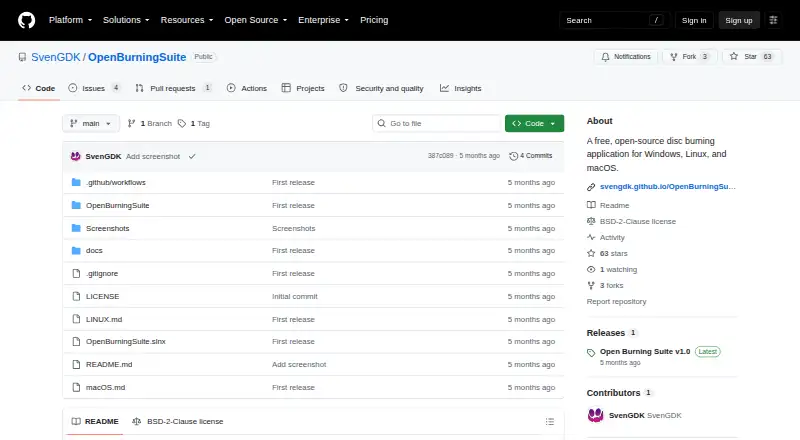
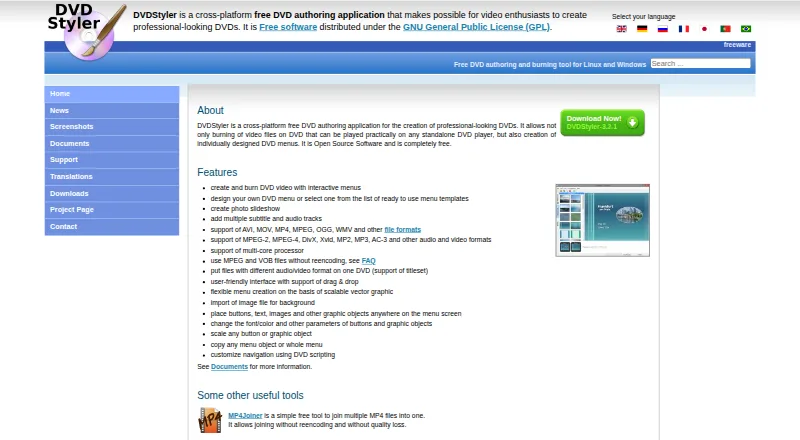
7.1 WinX DVD Author Free plan 7.0 DVDStyler Free plan 7.0 Open Burning Suite Free plan 6.9 DVDFab DVD Creator Free trial 6.9 Wondershare DVD Creator Free trial $3.33/mo 6.3 AnyMP4 DVD Creator $12.45/mo
github.com
The PyBurn Studio homepage
PyBurn Studio
Product
PyBurn Studio is a desktop disc-authoring application built with Python and PyQt6 for burning and ripping discs.
Data discs
It burns data CDs, DVDs, and Blu-ray discs from files and folders, with tools to arrange the disc contents and build an ISO image.
Audio CDs
It authors audio CDs from MP3, WAV, FLAC, OGG, M4A, and AAC files, including gapless Disc-At-Once burning on Windows.
Video discs
It authors video DVDs using ffmpeg and dvdauthor, and Blu-ray BDMV discs using tsMuxeR.
CD ripping
It rips audio CDs to MP3, FLAC, or WAV and can look up metadata through MusicBrainz.
Job management
It queues jobs to run one at a time and provides live progress, logs, persistent history, and retry options.
Burn verification
It can read a data disc back after burning and compare it with the written image; verification is enabled per drive in Settings.
Windows engine
On Windows, data and audio burning and CD ripping use built-in drive interfaces, while DVD and Blu-ray authoring use WSL2.
Linux and macOS tools
On Linux and macOS, disc jobs use command-line tools, with dependencies varying by job type; macOS instructions specify installing tools through Homebrew.
Requirements
PyQt6 is required; requests is optional for MusicBrainz lookups, and Blu-ray authoring requires the optional tsMuxeR tool.
License
The project states that PyBurn Studio is released under the GNU General Public License, version 3.
Release
The GitHub releases page lists v1.15.0.0 as the latest release and describes a native Windows SPTI/MMC burn engine.
Maker
The GitHub profile describes Mr5niper as a junior test engineer with experience in validation and system testing.
Visit site Alternatives

Where it ranks on The Geeks Club

  • Best DVD Authoring Software in 2026#22 of 24

Is PyBurn Studio yours?

Claim it for free: prove the domain, then correct facts, plans and screenshots. An editor reviews every change.

Claim it free Promote PyBurn Studio

Sources

  • github.com/Mr5niper/PyBurn-Studio· checked 4 Oct 2026
  • github.com/Mr5niper/PyBurn-Studio/releases· checked 4 Oct 2026
  • github.com/Mr5niper· checked 4 Oct 2026
The Geeks Club

Software for every job, picked for how quickly you can learn it.

2,577 lists · 61,300 platforms · facts from the makers' own pages

Design, Video & Audio

  • Video Editing Software
  • Photo Editing Software
  • Digital Asset Management Software
  • Graphic Design Software
  • 3D modeling software

Developer Tools

  • Accessibility Testing Software
  • Log Management Software
  • AI Coding Assistants
  • Package Managers
  • AI Agent Platforms

AI Tools

  • AI Writing Tools
  • AI video generators
  • Text-to-Speech Software
  • AI Travel Planners
  • AI image generators

Business Operations

  • Digital Signage Software
  • Event Management Software
  • Case Management Software
  • No-code app builders
  • Workflow automation tools

For vendors

  • Advertise
  • Get listed
  • Claim a listing
  • Vendor dashboard
  • All lists
BlogHow we rankAboutContactPrivacy Policy
© 2026 The Geeks Club · a Yorker Media site