
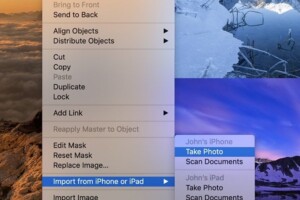
There are a few features in macOS Mojave which is integrating both Camera and macOS together. One of these features is the Continuity Camera. This feature lets...
Category - How-To

Whenever you capture an image via an iPhone, it saves the image into two separate albums called Camera Roll and My Photo Stream. The former lets you store the...

Vivo launched its revolutionary Flagship smartphone the Vivo Nex which has everything the future of this industry may look like. But that’s not just it...
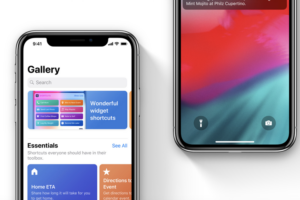
As defined in our earlier post – Show Alert action in a shortcut, an Action constitutes the building block of a shortcut. Every Shortcut you create on...
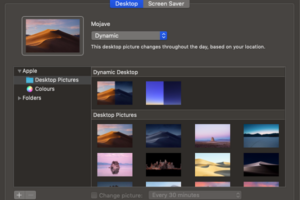
Along with the Dark Mode, macOS Mojave also rolled out Dynamic Desktop for macOS. Dynamic Desktop lets you use a wallpaper which can change with time of your...

Installing the iOS 12 update for iPhone and iPad takes only a few steps and brings many performance and stability related improvements to your iPhone. However...

September is a time that brings the thrill to Apple iPhone users as the company shows off a new version of an iPhone. It also releases a new update to its...

Show Alert Action in an iPhone is essentially a feature for displaying information in iOS Today View. These actions give instant alerts from your favorite...
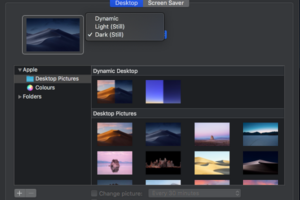
macOS Mojave, the fifteenth major release of macOS, Apple Inc.’s Desktop operating system for Macintosh computers and laptops has rolled out a Dark Mode...
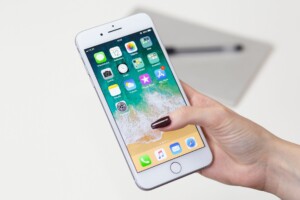
The Shortcuts app in iPhone (iOS 12) lets you dig a bit deeper into Shortcuts built by you. All the Shortcuts you create or select from the Shortcuts Gallery...

Apple recently rolled next major update for MacOS–Mojave and it seems many are complaining about Blurry Fonts in MacOS. The issue is all around, on the...
The Shortcuts app in iOS 12 has been designed to naturally and smoothly work with several native iOS apps like Reminders, Camera, Photos and more. We already...